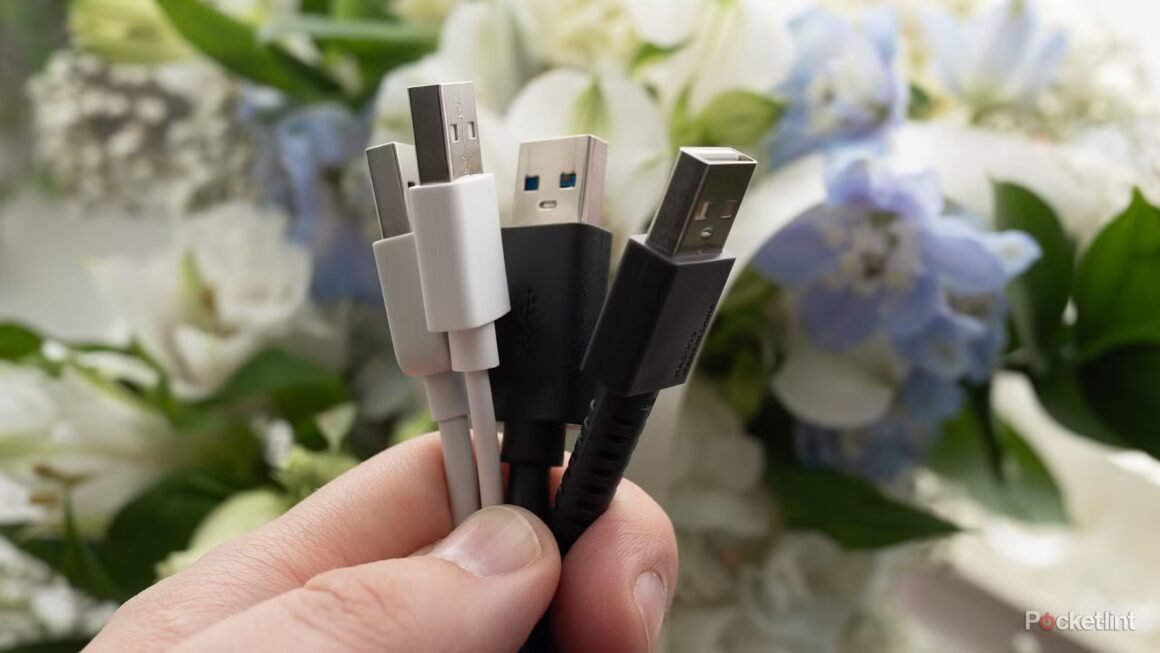

The transition from USB-A to USB-C ports is creating challenges for many users who still rely on older USB-A peripherals. As laptops and devices increasingly favor USB-C, the practicality of having just one or two USB-A ports is becoming a burden for those who need to connect multiple devices at once, particularly when using a Chromebook that lacks multiple USB-A connections.
This issue is relevant for tech consumers considering a new laptop or device that predominantly features USB-C ports. Buyers who frequently connect peripherals like USB-A microphones, webcams, and storage devices may find themselves hindered by the limited options available on newer models, especially if they don’t want to invest in new peripherals or adaptors immediately. While USB-C offers the promise of a unified charging solution, the loss of USB-A is causing friction in everyday use for those who still have many older devices.
Currently, the market offers a range of laptops that still include USB-A ports alongside USB-C, such as models from Dell and HP positioned typically between $600 and $1,200. These serve users who need legacy port support for their peripherals. In contrast, devices like the latest Chromebooks and MacBooks are phasing out such ports to embrace a sleeker, more modern design, with prices starting around $700. Buyers should consider their primary use cases—if they rely on USB-A devices, it may be wise to opt for models that include these ports.
For anyone still heavily reliant on older accessories, sticking with a laptop that includes USB-A may be advisable to prevent the hassle of upgrading peripherals. However, those already committed to a USB-C lifestyle, or those who are looking for devices that support the latest technological standards, could benefit from making the jump. It simply comes down to whether the loss of USB-A connectivity would significantly impact your daily routine or if you’re ready to transition to a predominantly USB-C environment.
Source:
www.pocket-lint.com