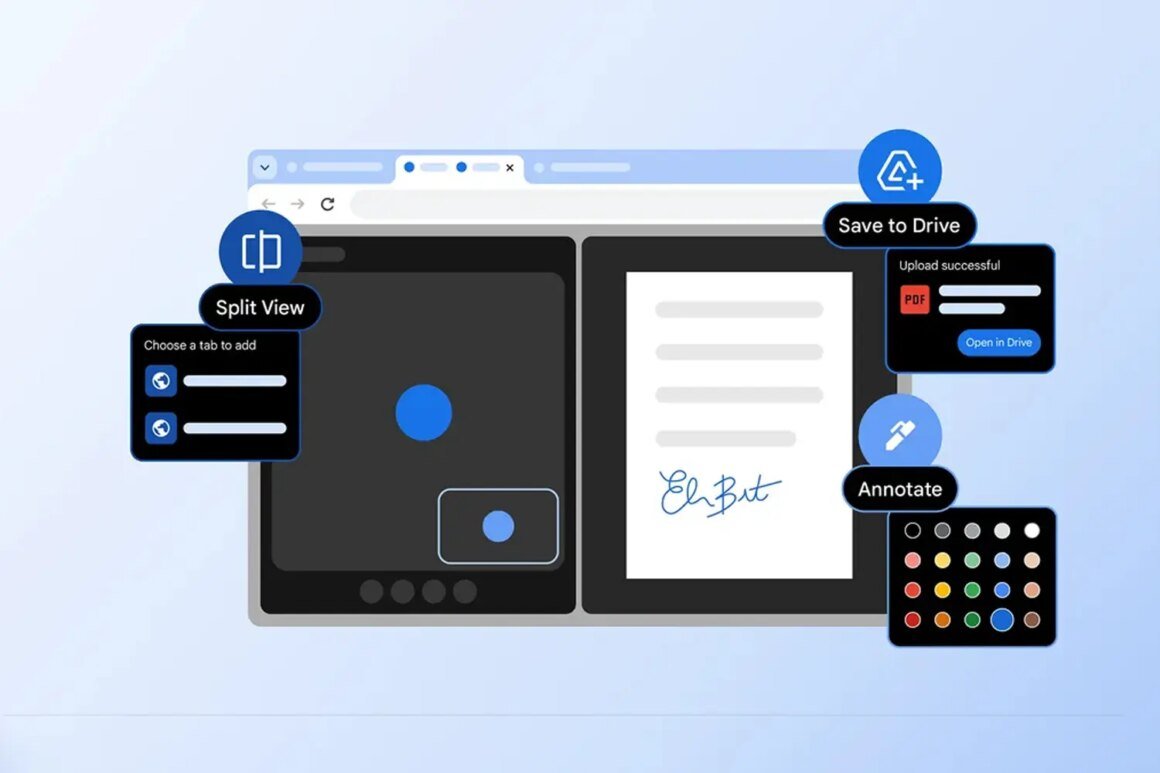

Google Chrome has introduced several new features aimed at enhancing productivity, particularly in handling PDF files. Users can now sign PDF documents directly in the browser, annotate them with highlights and notes, and save them directly to Google Drive without the extra steps of downloading and finding files. These updates aim to simplify everyday tasks like signing contracts or filling out forms.
This development is significant for anyone who frequently works with PDFs, especially students, professionals handling contracts or reports, and anyone who needs to efficiently manage documents. The update is globally available and could influence purchasing decisions for those considering dedicated PDF software. For many users, the convenience of staying within a single browser tab can save time and reduce frustration associated with managing multiple apps.
In terms of market context, while this Chrome update offers handy features, it’s important to understand it doesn’t seek to replace extensive desktop PDF solutions such as Adobe Acrobat or Foxit PhantomPDF. These alternatives often come with advanced functionalities for power users, though at a higher cost, typically ranging from $15 to $25 monthly for subscriptions. For casual users, the built-in Chrome features could suffice, reducing the need for investment in dedicated software unless higher-level editing or functionality is required.
Ultimately, this new PDF functionality in Chrome appeals to those looking for straightforward solutions for basic document handling without the hassle of additional software. However, if your needs involve advanced PDF editing or if you regularly work with sensitive documents that require stronger security measures, relying solely on Chrome may not meet your requirements. In such cases, exploring dedicated PDF software could be a better fit.
Source:
www.stuff.tv