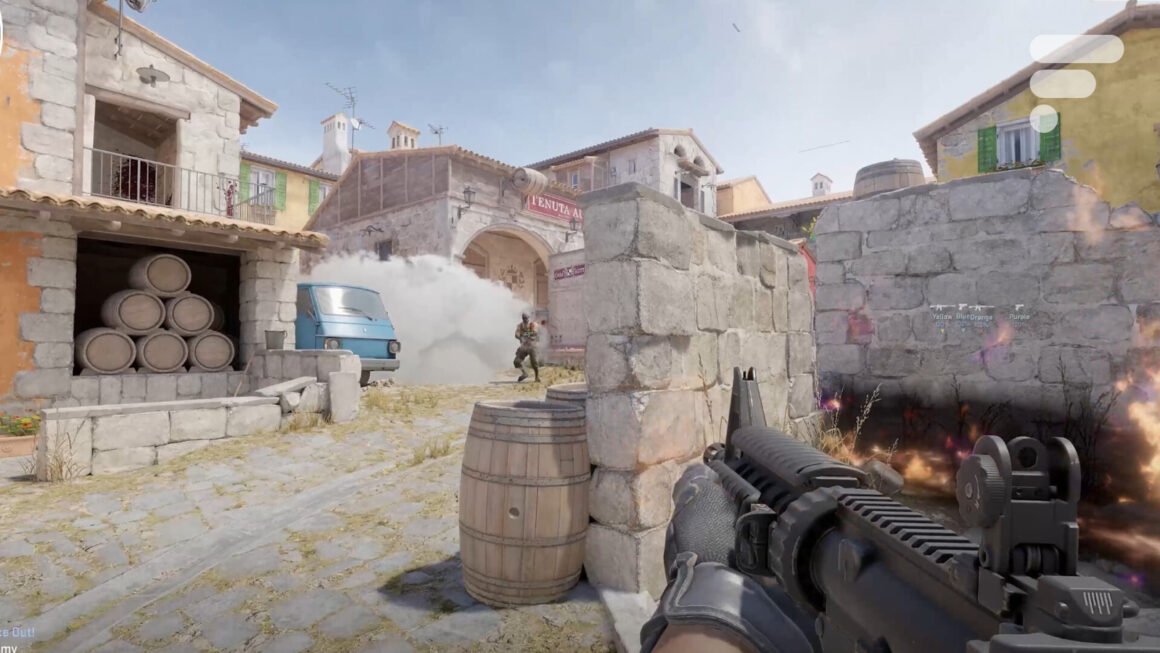

Nvidia’s G-Sync technology offers a solution to screen tearing and latency issues for users with GeForce graphics cards. It syncs your monitor’s refresh rate with your graphics card’s frame rate, which can significantly enhance your gaming experience by providing smoother visuals. This feature has been around for over a decade and remains particularly useful for gamers who want an edge during gameplay.
This matters especially for those looking to improve their gaming setup without overspending. Many new gaming monitors on the market support G-Sync, which is widely available globally, catering to a range of budgets. Gamers who frequently experience stuttering or tearing may benefit the most, particularly if they play fast-paced titles that demand fluid graphics. Activating G-Sync and understanding its setup can be crucial for maximizing performance.
In terms of competition, there are various options available. Monitors with G-Sync Compatible certifications often start around $300, offering basic adaptive sync capabilities without nuanced adjustments. Meanwhile, G-Sync native monitors—equipped with dedicated Nvidia modules—can range from $500 to over $1,000 for high-end displays that offer features like enhanced HDR support and refined overdrive settings. There are also AMD’s FreeSync products, which serve as alternatives, particularly for those less invested in Nvidia’s ecosystem.
This technology appeals to competitive gamers and those seeking a fluid experience in demanding games. However, if you’re more of a casual player or primarily engage with games that don’t require high refresh rates or intricate visuals, investing in a G-Sync setup might not provide sufficient value. In such cases, opting for a less expensive monitor without this technology could be a more sensible choice.
Source:
www.frandroid.com