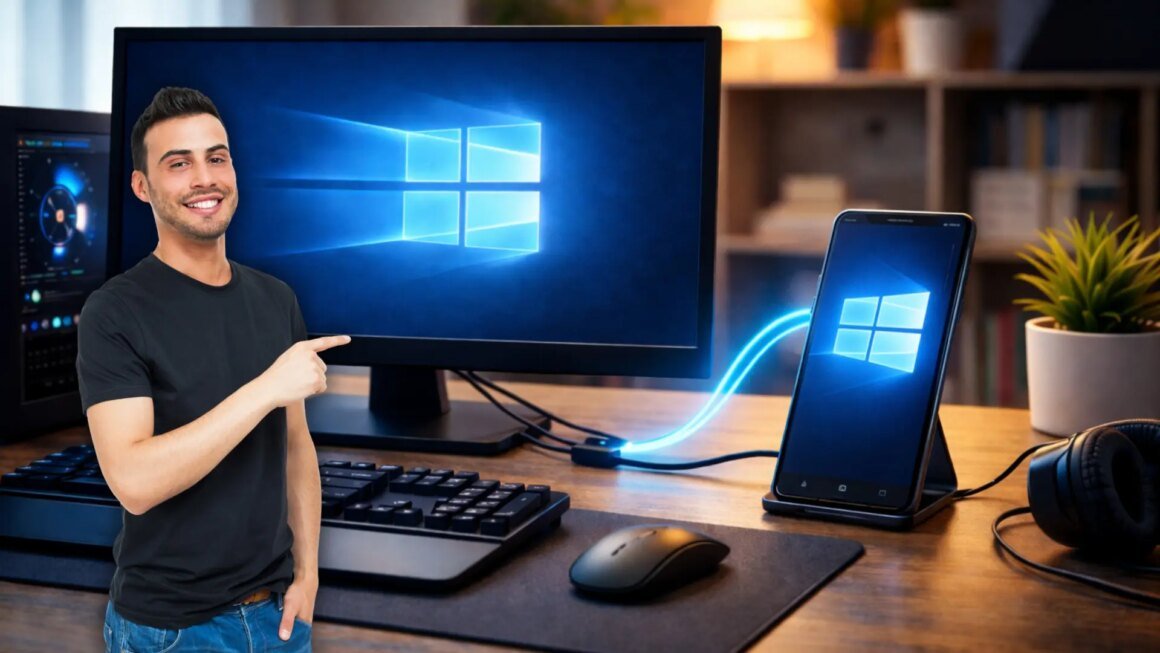

Turning an old Android tablet or mobile device into a second monitor for your computer is now possible through a free app called Spacedesk. This app requires no upfront payment, hidden fees, or complicated setup processes, making it accessible for anyone looking to enhance their digital workspace without spending money on a new monitor.
This development is particularly significant for those who often juggle multiple applications or workflows. For users working from home or managing complex tasks, having a dual-screen setup can significantly improve efficiency. Spacedesk is widely available globally, allowing anyone with an unused Android device and a Windows PC to transform their setup, without the hassle of purchasing additional hardware.
In terms of market alternatives, several paid applications exist, such as Duet Display, which charges around $11 per month, or SuperDisplay, which has a similar subscription model. While these paid options may offer additional features or enhanced performance, Spacedesk stands out by providing a free solution that doesn’t compromise on usability. It operates effectively even on older Android devices, a valuable trait if you have unused gadgets lying around. However, if you require a more permanent solution with exclusive features, the subscription services might cater to your needs better.
Spacedesk is ideal for budget-conscious users who want to maximize their current resources effectively. It is particularly suitable for those who have limited desk space or prefer minimalistic setups. However, individuals looking for superior display quality, lower latency, or specialized features might find the paid options more appealing. Additionally, some users may not be comfortable with the app’s reliance on a stable Wi-Fi connection unless they opt for a USB connection, which could pose limitations depending on how the setup is intended for use.
Source:
computerhoy.20minutos.es