

msi PRO MP275Q 27 Inch WQHD Office Monitor
msi PRO MP275Q 27 Inch WQHD Office Monitor - 2560 x 1440 IPS Panel, 100 Hz, Eye-Friendly Screen, Built-in Speakers, Tilt-Adjustable - HDMI 2.0b, DP (1.2a)
27-inch WQHD IPS office monitor with 100Hz refresh rate, eye-comfort features, and built-in speakers.
90-day average: $148.9713% below
Save $30
Price and availability are accurate as of the date and time shown and are subject to change. The price on Amazon at the time of purchase applies.
At a glance
- Screen size
- 27 inch
- Resolution
- 2560 x 1440
- Panel type
- IPS
- Refresh rate
- 100 Hz
- Response time
- 1ms MPRT
- Ports
- HDMI 2.0b, DP 1.2a, headphones-out jack
- Adjustable stand
- Tilt adjustable
- Weight
- 1792 g
- Brightness
- 300 nits
As an Amazon Associate we earn from qualifying purchases. We also earn commissions on some brands' own stores through affiliate links. Prices change fast and are shown as of the time listed.
Get the best deals by email
The best tech discounts from Amazon and brand stores, sent to your inbox. No spam, unsubscribe in a click.
About this product
The MSI PRO MP275Q is a 27-inch office monitor with a 2560 x 1440 IPS panel and a 100Hz refresh rate. It includes TÜV Rheinland Eye Comfort certified Less Blue Light and Anti-Flicker technology, an anti-glare surface, and a tilt-adjustable stand. It also has built-in 2W speakers and HDMI 2.0b and DP 1.2a inputs.
Best forOffice users who want a 27-inch WQHD screen with eye-comfort features and built-in speakers for conference calls.
Good to know
- • Wall or arm mounting uses 100mm VESA; the listing cites MSI VESA Arm MT81 as an example arm.
- • MSI Display Kit App is needed for its extra display, productivity and colour settings.
- • Eye-Q Check software is accessed via the OSD menu.
Monitors buying guide
Before you buy: what matters in this category and which models to compare.
More Monitors deals
 −38%
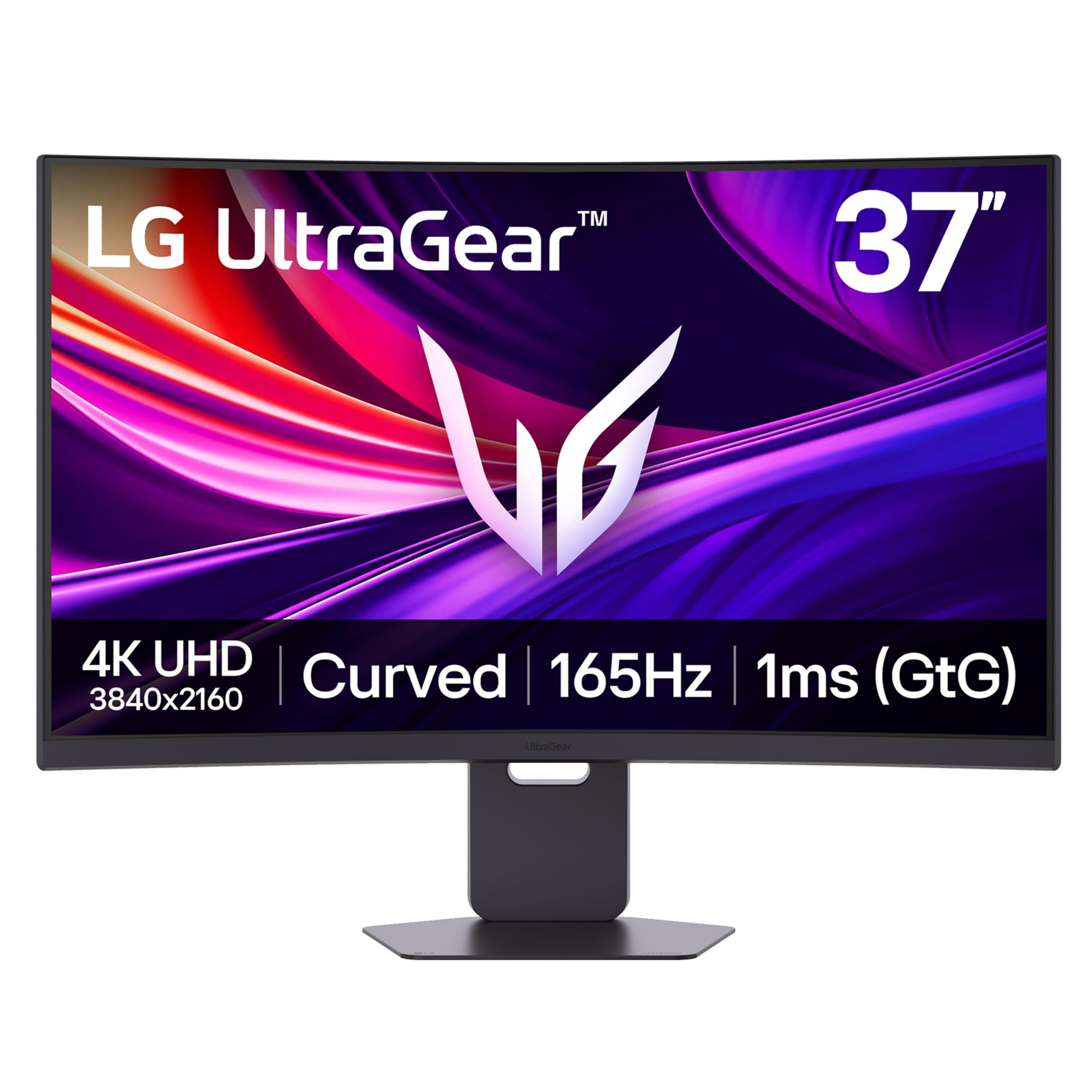
LG 37G800A-B 37-Inch Ultragear 4K UHD (3840 x 2160) Curved Gaming Monitor, 165Hz, 1ms, FreeSync Premium Pro, DisplayHDR 600, HDMI 2.1, DisplayPort, USB Type-C, Tilt/Height/Swivel Stand, Black
4.2(66)37-inch curved 4K UHD gaming monitor with 165Hz refresh rate, 1ms GtG response time and FreeSync Premium Pro.
 −36%
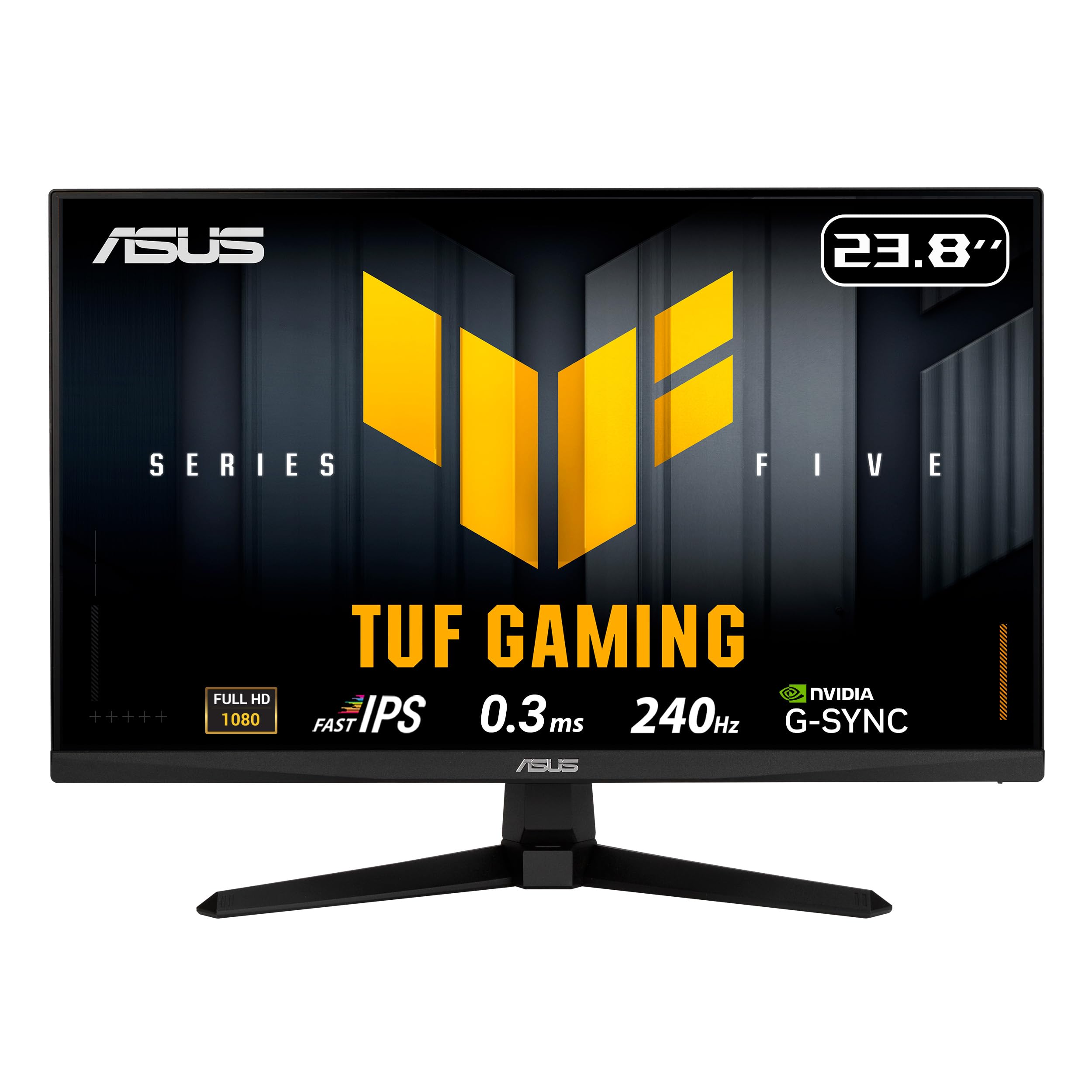
ASUS TUF Gaming VG249QM5A 24 Inch 1080p 240Hz G-SYNC Gaming Monitor
4.5(116)23.8-inch Full HD Fast IPS gaming monitor with 240Hz refresh rate and FreeSync Premium and G-SYNC compatibility.
 −34%
ASUS ZenScreen MB16AHV 15.6 Inch 1080p Portable Monitor
4.4(227)15.6 inch 1080p portable monitor with an IPS panel, USB-C and Mini-HDMI ports, and a fold-out kickstand.