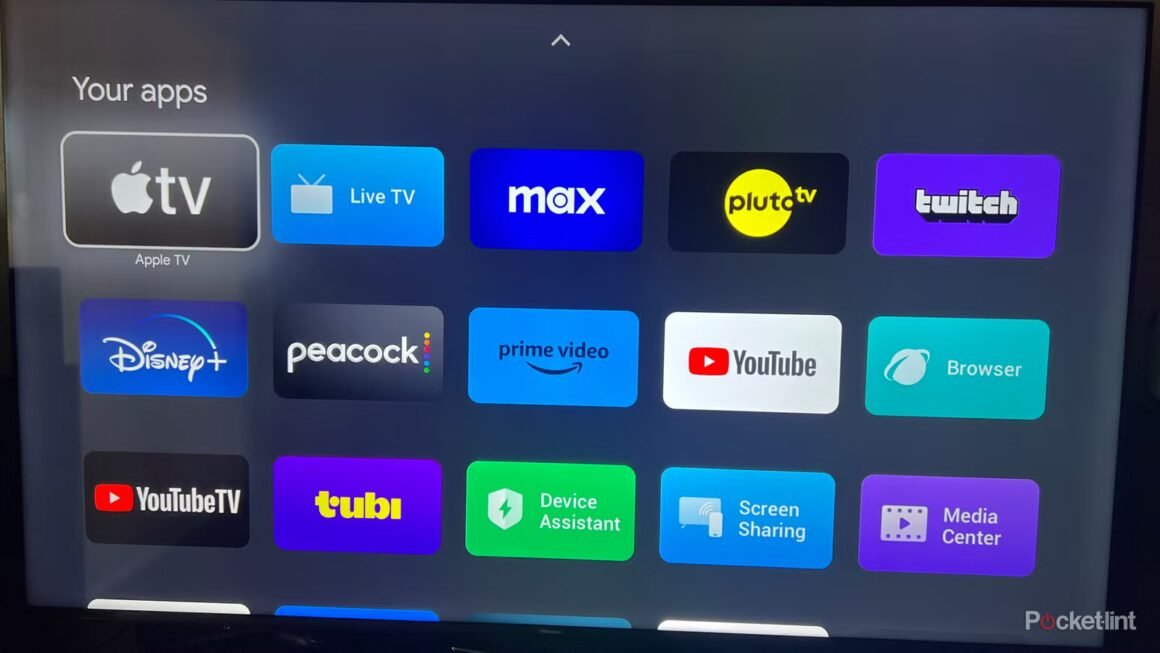

Google is facing some significant issues with its Gemini-powered Google TV experience, as users report a major glitch known as a search loop. Several customers have noted that when attempting to utilize the search feature on their Google TV Streamer (4K), they are stuck in a continuous onboarding screen for the Gemini AI assistant, rendering the search function inoperable. As of now, Google has yet to issue an official response or fix for this problem.
This glitch is particularly relevant for those considering a purchase of the Google TV Streamer or similar devices, especially since the issue seems to occur primarily during the initial setup process. If you’re contemplating buying a device powered by Google’s new AI, this situation raises red flags. The experience reported by users could potentially impact the enjoyment and functionality of the smart TV from the moment you unbox it, making it a critical consideration for both new buyers and those looking to upgrade.
In terms of market context, the Google TV Streamer (4K) typically competes with devices like the Roku Ultra and Amazon Fire TV Cube, which are well-established options. The Roku Ultra is known for its intuitive interface and extensive app support, while the Fire TV Cube integrates Alexa for voice control and smart home compatibility. Prices for these devices hover around $100, similar to the Google TV Streamer. Each option has its strengths, appealing to different user preferences, such as content availability or ease of use.
For potential buyers, the Google TV Streamer remains a strong contender, especially for those interested in integrating AI technology into their viewing experience. However, the ongoing issues with the Gemini AI platform are serious considerations. Users looking for consistent performance during their setup may want to explore alternatives like the Roku or Fire TV options instead, particularly if immediate functionality is crucial. The current problems could serve as a cautionary tale, recommending a wait-and-see approach until Google rectifies this glitch.
Source:
www.pocket-lint.com