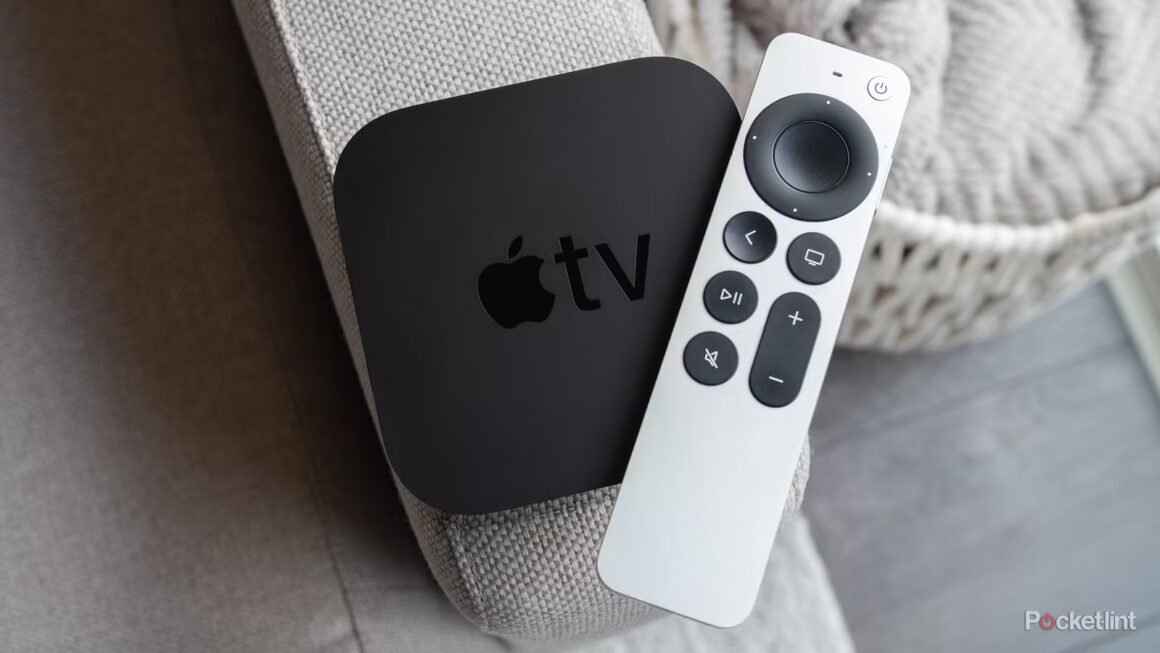

The Apple TV 4K is an advanced streaming device known for its high-quality picture, particularly through its Dolby Vision feature. However, the persistent use of Dolby Vision can lead to unwanted visual artifacts, especially when viewing content that doesn’t support it. For optimal viewing, users are advised to turn off Dolby Vision in the settings, relying instead on the “Match Content” feature, which allows it to activate for compatible media only.
This information is crucial for consumers considering a purchase in the streaming device category, especially as many users may not realize the potential drawbacks of always using Dolby Vision. If you’re looking for a device that can deliver an excellent HDR experience without the risk of negatively impacting your picture quality, then understanding these settings can influence your decision-making process.
In terms of market positioning, the Apple TV 4K comes with a price tag of around $179 for the 64GB version and $199 for the 128GB version. While it offers robust performance and features, alternatives exist. Devices like the Roku Ultra, priced at approximately $100, or the Amazon Fire TV Stick 4K, available for around $50, tackle streaming needs effectively, though they don’t necessarily offer the same high-end features as the Apple TV. Users looking for an affordable option might find these budget-friendly alternatives sufficient for their needs, albeit with fewer premium features.
Ultimately, the Apple TV 4K is an excellent choice for those who seek superior picture quality, provided they use it correctly. Users who frequently watch Dolby Vision content will benefit from its capabilities. However, if you primarily view regular content and are not invested in high-end features, opting for a more affordable streaming device might be a better fit, especially if you are sensitive to picture quality issues that can arise from incorrect settings.
Source:
www.pocket-lint.com