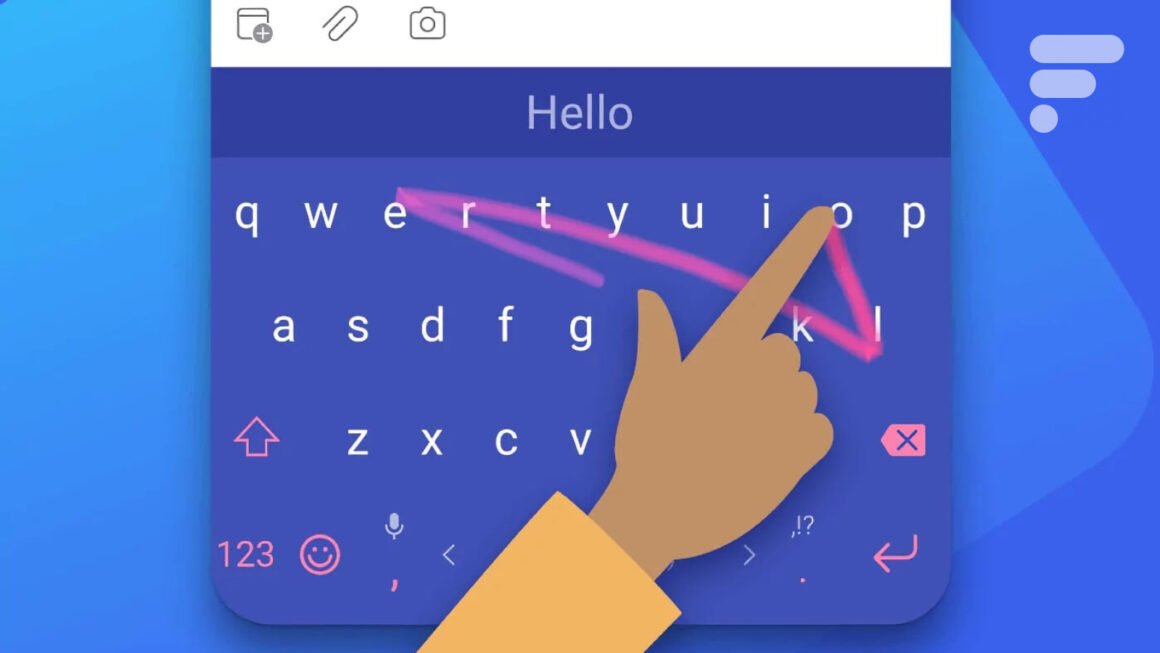

Microsoft has announced that starting May 31, 2026, users will need a Microsoft account to continue using the popular SwiftKey keyboard on Android and iOS devices. This update marks a significant shift, as it will no longer allow users to opt-out of account creation or connect via Google or Apple accounts. Without a Microsoft account, users risk losing personalized features such as their custom dictionary and typing habits.
This development matters primarily to current SwiftKey users who rely on its intelligent text predictions and personalized typing experience. If you are someone who prefers the customization options offered by SwiftKey, this change could significantly affect your experience. It is essential for users to weigh their options and decide whether they are comfortable entrusting their typing data to Microsoft’s cloud services, especially considering that your previous customizations will be lost if you do not comply by the deadline.
In the context of available smart keyboards, SwiftKey has long been a favorite due to its adaptability and robust predictive text features. Alternatives include Gboard, which is highly customizable and integrates well with Google services, and Grammarly Keyboard, which focuses on grammar and style corrections. Each brings its unique strengths—Gboard offers seamless integration with Google apps, while Grammarly provides real-time writing support. Prices for both are free, making them appealing substitutes for those hesitant to switch to a Microsoft-based technology.
Overall, users who appreciate features like SwiftKey’s word prediction might find the transition to a Microsoft account worthwhile if they value enhanced synchronization and security. However, potential buyers should consider alternatives if they are concerned about data privacy or prefer a more decentralized solution for their keyboard needs. Switching to a service that allows greater control over your data might be a prudent decision in light of these changes.
Source:
www.frandroid.com