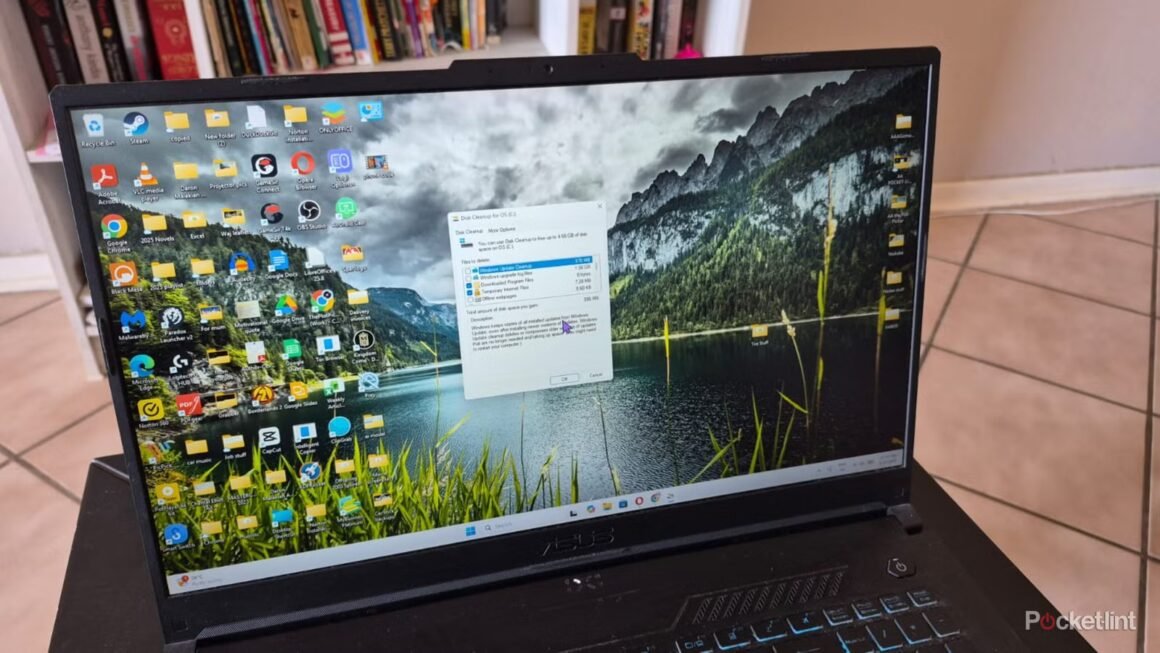

Frequent use of laptops for gaming or data storage can lead to quick exhaustion of available space, particularly with standard configurations offering only 500GB to 1TB. Regular cleaning and space optimization become essential if you want to install more titles or improve overall performance. Understanding how to effectively free up hard drive space can lead to a smoother and more productive user experience.
This is particularly relevant for users who handle large file sizes, such as gamers or professionals who work with media-heavy applications. If you’re noticing a sluggish performance or difficulty installing new applications, an effective cleaning regimen is critical. With Windows 11, there are user-friendly tools like Disk Cleanup and Storage Sense available globally, making it easy for anyone to manage their real estate on their device.
When it comes to alternatives for freeing up space, consider a variety of solutions. While Windows provides built-in utilities like Disk Cleanup and Cleanup Recommendations, you can also opt for third-party applications that may offer more customization. For example, CCleaner is a popular choice for those who need a deeper clean beyond what Windows offers but requires some user learning to navigate effectively. In contrast, if you’re looking for cloud solutions, OneDrive and Google Drive enable you to offload less frequently used files, making space physical while keeping data accessible, albeit requiring internet access.
This cleaning approach suits users who regularly install and uninstall applications, particularly gamers or those in creative fields. However, some may find that they don’t require these utilities if their storage needs are modest or if they use external drives for most of their data needs. For individuals who rely heavily on cloud storage, managing local storage may seem redundant. Therefore, if your usage is primarily online or if you’re constantly connected, investing in additional cloud services could be more beneficial than focusing on local disk cleanup.
Source:
www.pocket-lint.com