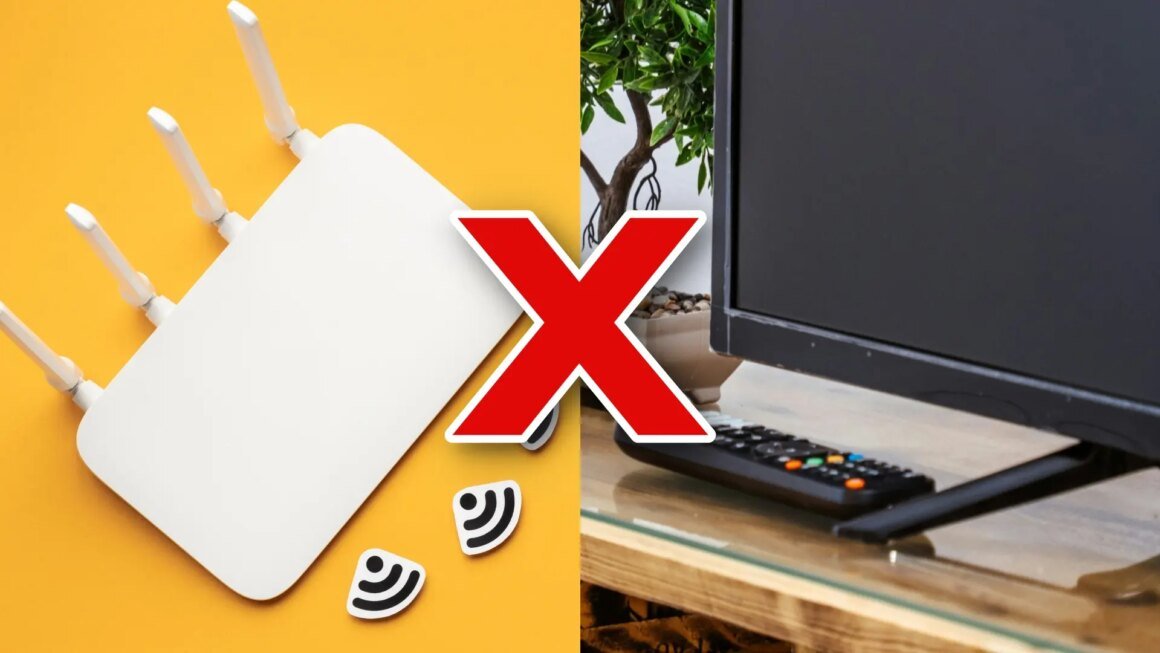

Router placement can significantly impact your internet experience, especially when streaming content. Many people mistakenly position their WiFi routers next to their Smart TVs, believing this will enhance the signal. However, this common practice can actually lead to unstable connections, buffering issues, and slower speeds due to interference from the TV’s metallic components.
This issue is pertinent for anyone relying on streaming services like HBO Max and Netflix, particularly those who have experienced connectivity problems. A poorly placed router can diminish the experience of binge-watching favorite shows or participating in virtual meetings. With more devices connected to home WiFi networks than ever, understanding optimal router placement has become essential for maintaining smooth internet performance.
Typically, routers are available at various price points, ranging from budget models around $50 to high-end options nearing $300. Budget routers may suffice for casual users with minimal streaming needs, while mid-range options often provide a more stable connection suitable for gaming and high-definition streaming. For example, addressing interference issues can lead to the need for either a basic model or an advanced router with features like dual-band technology. Consumers should also consider mesh WiFi systems, which can range from about $150 to $500, to extend coverage in larger spaces, particularly where dead zones exist.
Homeowners who often stream content, participate in video calls, or work remotely should carefully evaluate their router placement. Repositioning the router to a central location in the house and away from other electronic devices can improve WiFi performance. Conversely, users in smaller homes or apartments may find adequate performance with a basic router and can avoid the expense of more advanced options. It’s worth noting that for those who frequently experience connectivity issues, investing in a mesh system might provide a more reliable solution.
Source:
computerhoy.20minutos.es