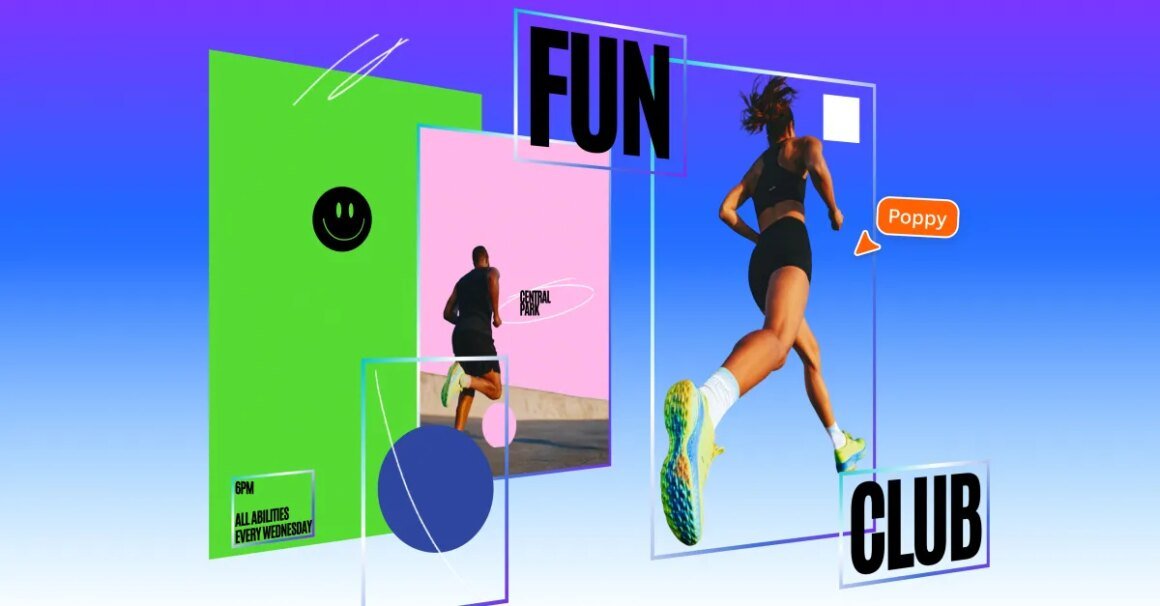

Canva has launched a new feature called Magic Layers, which allows users to transform flat image files and AI-generated visuals into layered, fully editable designs. This tool is currently in public beta and is now available in the US, UK, Canada, and Australia, enabling the selection of individual design components while maintaining the original layout.
This new feature is significant for designers and content creators who rely on quick editing without restarting the entire design process. Magic Layers offers broad utility, allowing anyone to convert single-page PNG or JPEG files into adjustable designs. With the rising trend of using AI-generated images in creative work, this feature can enhance productivity by eliminating the need for repetitive prompts when users only wish to modify a small section.
In terms of market context, Canva’s introduction of Magic Layers sets it apart from other creative software. Competitors like Adobe offer generative AI tools, but they typically do not allow comprehensive layer separation for entire images. While Adobe products may be more familiar to professional users, Canva’s approach democratizes design flexibility, making it attractive for beginners and intermediate users alike. Pricing for Canva’s subscription starts at around $12.99/month, while Adobe’s offerings, such as Photoshop, can be significantly higher, starting at $20.99/month, with a more complex learning curve.
Magic Layers is best suited for those who frequently use flat images and AI-generated content but may not cater to professionals who require advanced image manipulation capabilities offered by other software. Individuals looking for complete control over every facet of their design might find alternative tools more aligned with their needs. Additionally, users who predominantly work with intricate designs and require extensive customization may prefer a more robust solution than Canva can currently provide.
Source:
www.theverge.com