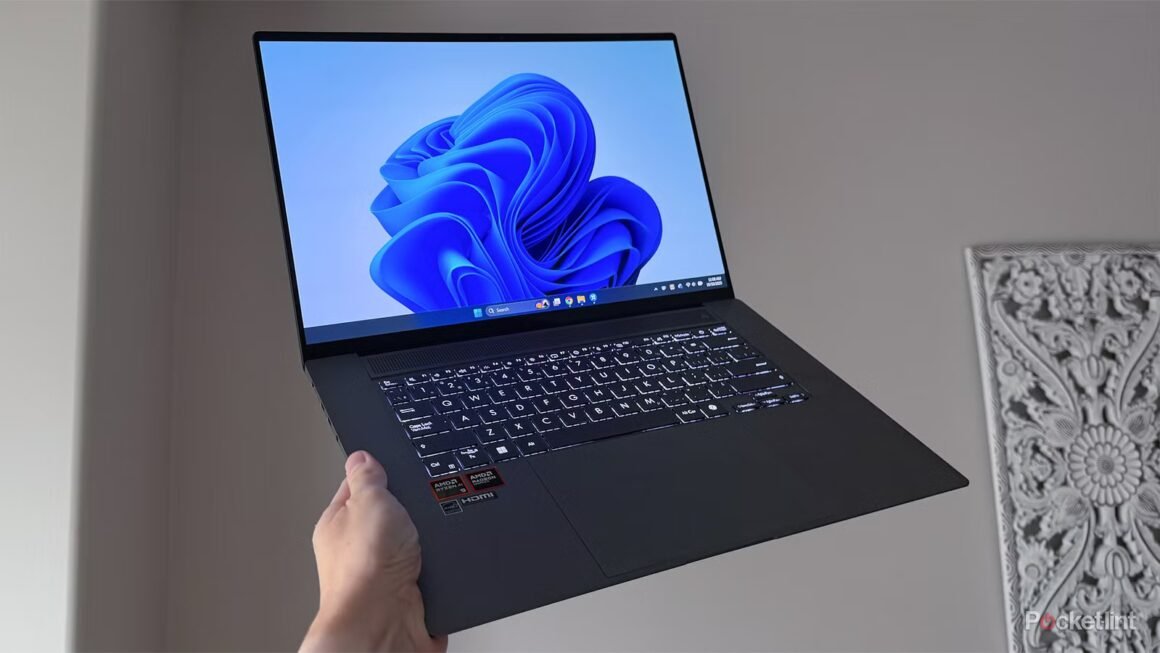

Microsoft is preparing to enhance Windows 11 with a new dark mode toggle that will be added to the Quick Settings menu. This feature will allow users to easily switch between dark and light modes directly from the taskbar, streamlining the user experience significantly. It was recently discovered in an insider build of the Windows 11 operating system, though the release timeline remains uncertain.
This development is especially relevant for users who spend long hours working on their Windows 11 PCs. Dark mode is known to reduce eye strain and provide more comfortable viewing conditions, making it a useful feature for many. By placing a toggle in Quick Settings, Microsoft aims to simplify what was previously a somewhat cumbersome process, helping both new users and those who prefer quick adjustments throughout the day.
In today’s competitive landscape, other operating systems like Android and iOS have set the standard by including dark mode toggles in their quick-access menus. While Microsoft’s addition signals a step in the right direction, it’s important to note that the current method of accessing dark mode via the Settings menu can be perceived as less user-friendly. Alternatives such as using macOS or even Linux can offer their own unique benefits, including different customization options for display settings. Users who value these features may still prefer those systems, especially if customization is a primary concern.
This new dark mode toggle could appeal to professionals and casual users alike, particularly those who are sensitive to light or regularly switch between modes for various tasks. However, users looking for a more advanced or specialized customization experience might find that alternative operating systems better suit their needs. A potential drawback of this Windows update is that it may not fully address users who are looking for deeper level adjustments, as the toggle still won’t provide extensive options beyond basic light and dark settings. In such cases, exploring different operating systems or even third-party applications that offer greater flexibility might be the better option.
Source:
www.pocket-lint.com