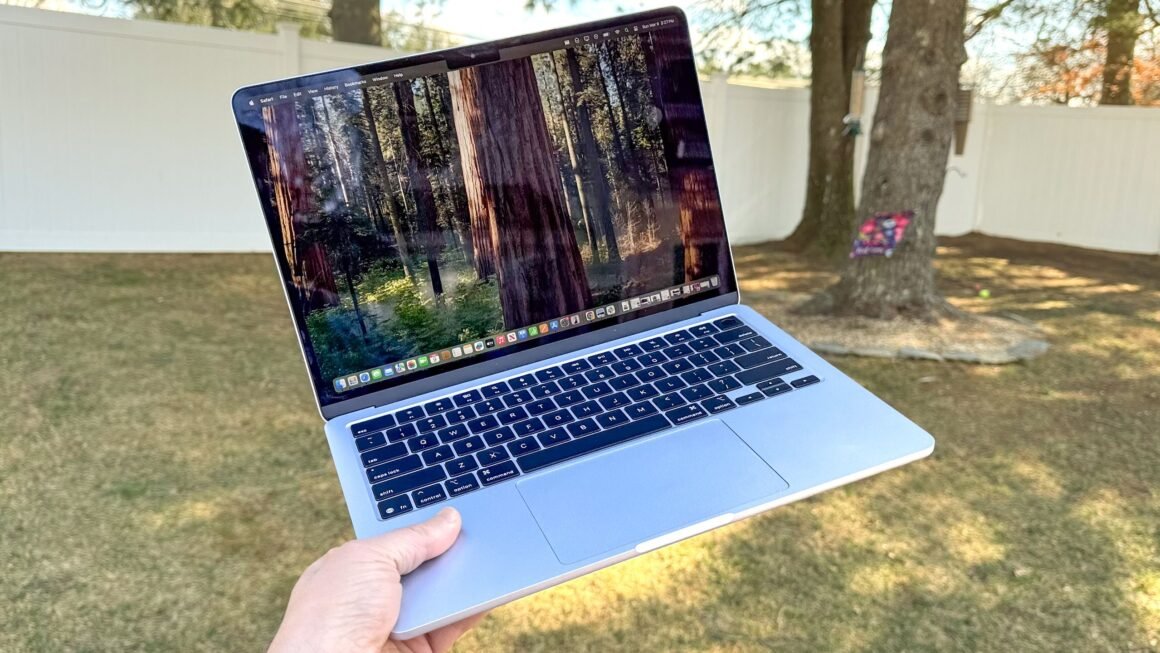

Apple is reportedly developing a touchscreen MacBook, aiming for a release by the end of 2026. However, this upcoming device is expected to maintain a clear distinction from the iPad, reflecting Apple’s philosophy of keeping its product lines separate. While the excitement surrounding this hybrid idea continues to build, it seems unlikely that this MacBook will blend the features of both operating systems as many users hope.
This development is particularly relevant for potential buyers looking for a device that combines the functionalities of both a laptop and a tablet. Currently, those who require the capabilities of iPadOS and macOS are effectively compelled to purchase two separate devices. The distinct focus on maintaining separation between the two systems might disappoint users who seek a versatile all-in-one solution but could appeal to those who prefer specialized devices for specific tasks.
Price-wise, the MacBook is likely to be positioned competitively against existing options on the market, which range from budget Chromebooks to premium Windows laptops. For example, devices like the Microsoft Surface Laptop Studio integrate touchscreen functionality with traditional laptop design, starting around $1,600. Meanwhile, similarly priced options in the Apple ecosystem include the MacBook Air, which offers a solid performance without a touchscreen. Those looking for less expensive alternatives might consider Chromebooks at lower price points but should be aware of their limited capabilities compared to macOS devices.
Potential buyers should consider their specific needs when looking at this new MacBook. If you highly value touchscreen interactions in your computing experience, you might want to explore options like the Surface devices that offer a more hybrid approach. On the other hand, if you prefer the established macOS workflow and can manage without a touchscreen, the existing MacBook models might suit you better. Thus, one reason to hold off on the new MacBook could be the lack of a true hybrid experience that some users expect, leaning instead toward a conventional touch-friendly interface.
Source:
www.tomsguide.com