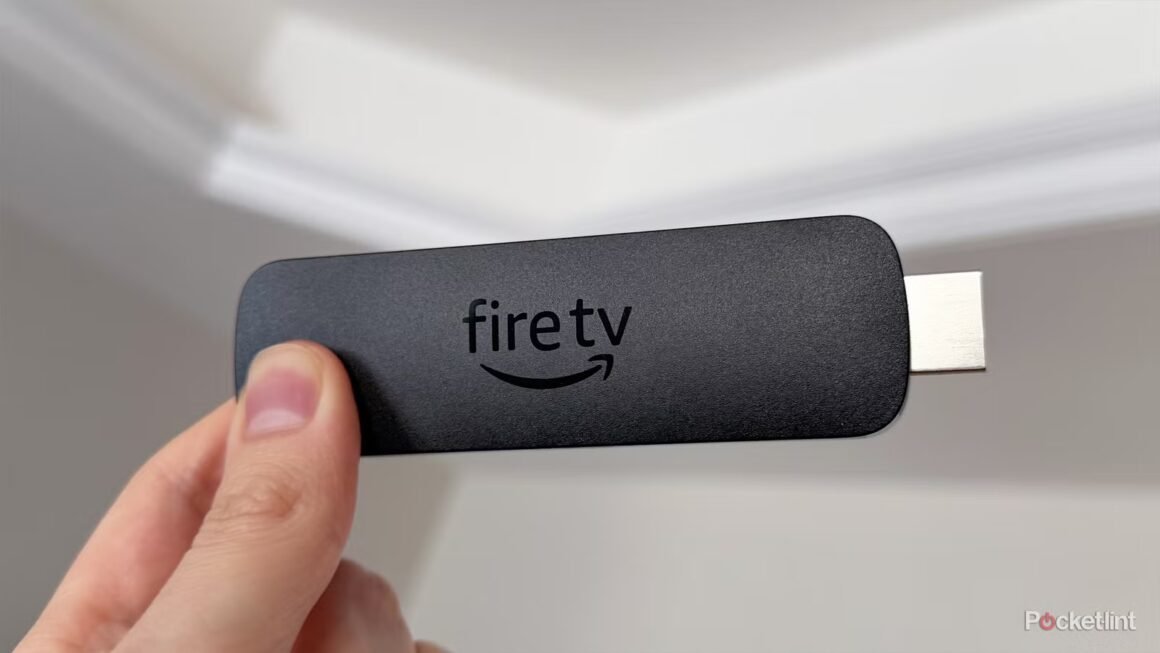

The Amazon Fire TV Stick offers a wide range of features that enhance streaming experiences, but the settings menu can be overwhelming. A key feature is the option to disable Featured Content Autoplay—a setting that causes video ads to automatically play while navigating. Many users, like myself, find this annoying, as it can slow down the interface and produce unexpected audio, detracting from the viewing experience.
This setting matters particularly to those who value a smooth and focused user experience. Disabling the autoplay not only curtails distractions but can also speed up the Fire TV’s performance by preventing background video loading. For anyone actively engaged in streaming content, especially individuals with heavy usage like binge-watchers or households with kids, this optimization could enhance usability significantly.
In terms of market position, the Amazon Fire TV Stick is generally priced around $40 and competes with devices like Roku and Apple TV, which have similar features but vary in price and user experience. Roku tends to be more user-friendly with less intrusive ads at a similar price point, while Apple TV offers a more premium experience with greater functionality, often costing over $150. Each option has its pros and cons depending on user needs—those who prioritize ease of use might lean towards Roku, while dedicated Apple ecosystem users might prefer Apple TV despite its higher price.
The suitability of the Fire TV Stick largely depends on personal preferences. It’s an excellent choice for those who want a straightforward streaming device packed with features like Bluetooth audio support and Dialogue Boost. However, those who find the autoplay feature tolerable or even beneficial for discovering new content may prefer to keep it enabled. Additionally, tech enthusiasts seeking advanced gaming capabilities or top-tier streaming resolution might consider alternatives that provide those premium features at a higher price point.
Source:
www.pocket-lint.com