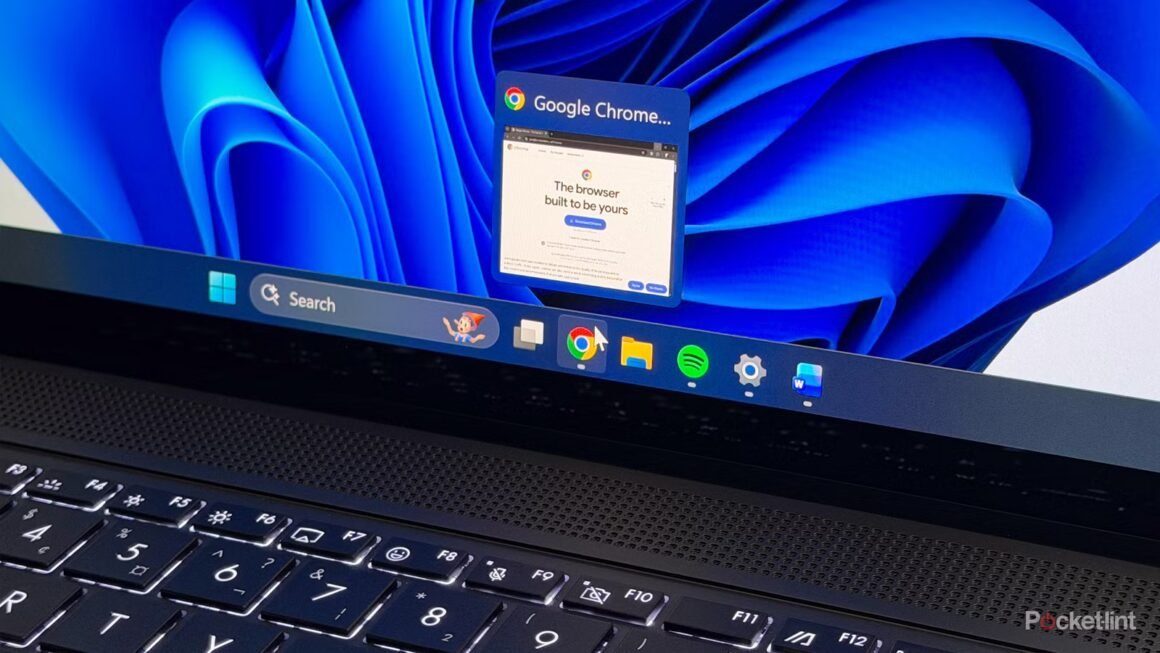

Google’s latest Chrome update introduces several practical features, focusing on user experience rather than the flashy AI enhancements we’ve seen in recent updates. Key additions include the Split View, built-in PDF annotations, and a new “Save to Google Drive” feature, all of which aim to streamline everyday tasks for users. As this update rolls out globally, it brings enhancements that could impact how you browse and manage documents directly within the browser.
This update is important particularly for those who frequently juggle multiple tasks or handle PDFs regularly. The Split View feature allows users to view two tabs simultaneously, making it easier to multitask without the hassle of switching between windows. The built-in PDF annotation tools help users sign or mark up documents on the go, while the “Save to Google Drive” function organizes saved PDFs in a specific folder, simplifying document management. If you often work with PDFs or need to take notes while browsing, these enhancements will likely improve your workflow significantly.
In terms of market context, Google Chrome remains a leading web browser with a wide user base. While alternatives like Microsoft Edge and Mozilla Firefox offer their own unique features, Chrome’s combination of extensive functionality and seamless Google integration makes it hard to beat—especially with these updates. Microsoft Edge has strong PDF capabilities and built-in tools, but the experience may differ when considering Chrome’s simplicity and user-friendly interface. Similarly, while browsers such as Firefox are excellent for privacy, they may lack some of the time-saving features now available in Chrome.
In conclusion, this Chrome update is well-suited for users who are highly reliant on browser-based tasks or need efficient document handling tools. Those who may not benefit as much include users who favor alternative browsers for their unique features or specific privacy settings. The built-in tools may not outweigh the advantages of more specialized PDF software or browsers that cater to different needs. If you’re content with your current setup and don’t find yourself frequently needing enhanced PDF functionalities or multitasking capabilities, sticking with your preferred browser might be a better fit.
Source:
www.pocket-lint.com