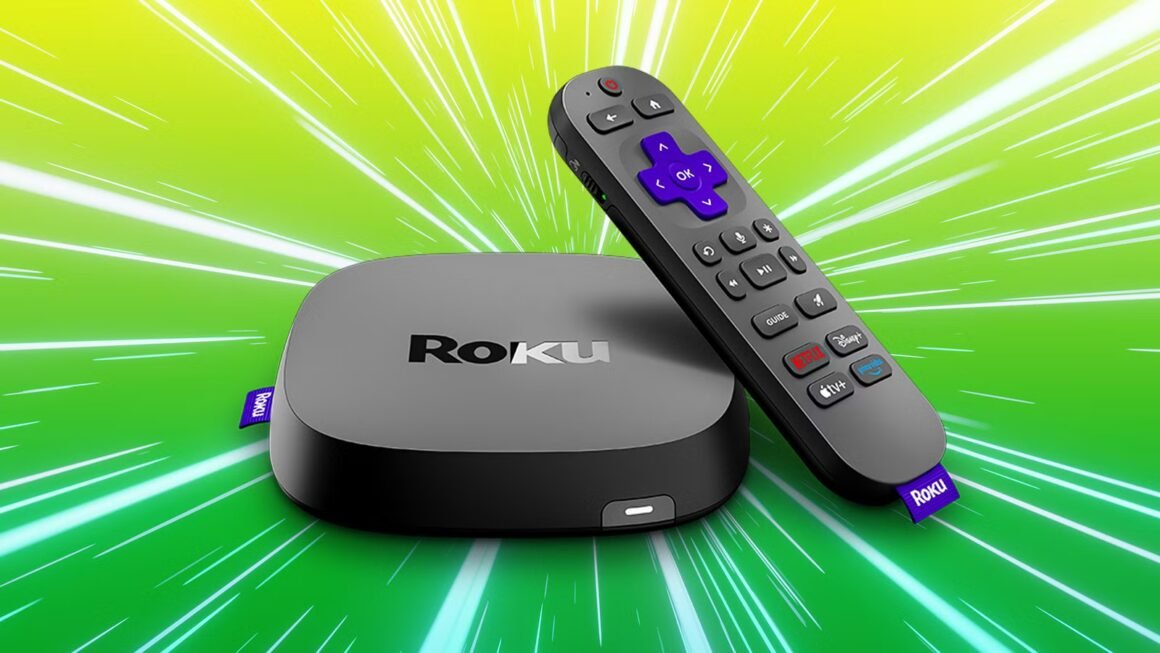

The Roku TV offers various features for entertainment even without an internet connection. While streaming services like Netflix and Hulu won’t work offline, a Roku device can still access broadcast TV through a digital antenna or HDMI devices like Blu-ray players or gaming consoles, provided you have the necessary connections set up in advance.
This becomes relevant for anyone evaluating their home entertainment options, particularly if they live in areas prone to internet outages or are seeking versatile viewing solutions. Roku’s capacity to utilize connected devices can help minimize downtime during service interruptions, making it a practical choice for viewers who enjoy traditional media methods alongside streaming apps.
In terms of pricing, Roku devices generally start around $30 for standard streaming sticks to $700 for smart TVs, depending on screen size and additional features. Competing options include Amazon Fire TV ($35 to $700), Apple TV ($150 to $200), and Google Chromecast ($30 to $100). Each brings unique strengths: Amazon Fire TV excels in integrating with Alexa, Apple TV offers high compatibility with Mac/iOS devices, and Chromecast enables easy casting capabilities from mobile devices.
The Roku TV is suitable for users looking for a cost-effective streaming solution that works with outdated media systems, ideal for families or those with a library of physical media. However, if a buyer primarily utilizes streaming services or prefers a more seamless live TV experience, alternatives like Amazon Fire TV may provide more integrated solutions, particularly if they already own Alexa devices. For anyone hesitant about physical media and who primarily uses streaming, exploring newer smart TVs with built-in applications may yield a better fit.
Source:
www.pocket-lint.com