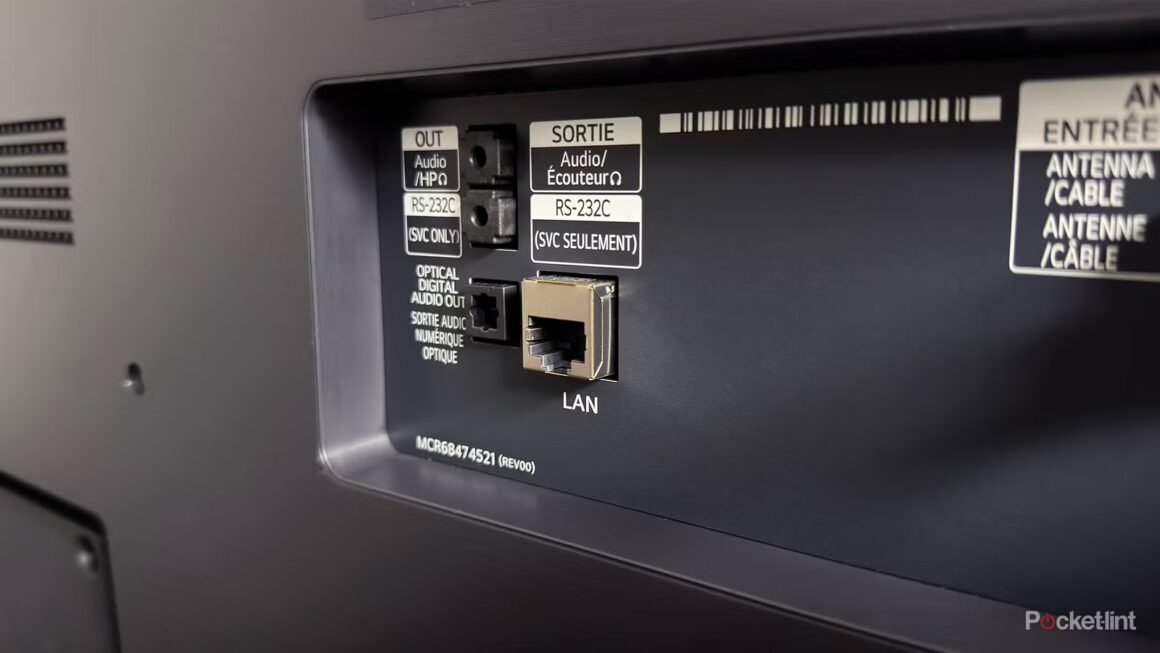

When it comes to smart TVs, many models nowadays come equipped with various ports, including HDMI, USB-A, and Ethernet. However, a common misconception surrounds the Ethernet port’s ability to deliver faster speeds compared to Wi-Fi. It turns out that for many smart TVs, the Ethernet port is capped at 100 Mbps, which may not be as fast as the Wi-Fi connection, especially if the TV supports modern standards like Wi-Fi 5 or Wi-Fi 6.
This information is especially relevant for buyers looking to optimize their viewing experience. If you’re in the market for a new smart TV and planning to stream high-definition content, the type of internet connection you choose can significantly impact your experience. As many streaming services recommend a minimum speed of just 25 Mbps for 4K streaming, understanding whether Ethernet or Wi-Fi offers better performance is crucial during your purchasing decision.
In terms of market context, most smart TVs, particularly from brands like LG and Samsung, are equipped with a standard 10/100 Ethernet port to keep costs low. Alternatives vary widely, ranging from budget options under $500 to premium models costing upwards of $1,500, with varying capabilities for internet connectivity. For example, a lower-end TV might provide sufficient performance for casual viewing, while a higher-end model designed for advanced users could incorporate faster Wi-Fi standards, allowing users to enjoy seamless streaming without the limitations of a wired connection.
So who should consider using the Ethernet port, and who should stick with Wi-Fi? If your Wi-Fi connection consistently delivers speeds above 100 Mbps and is stable, using the smart TV’s Wi-Fi is likely the better option for you. However, if your router is far away from the TV or your Wi-Fi frequently drops, opting for an Ethernet connection may provide a more consistent experience. Ultimately, those who prioritize premium connectivity and high-speed options may find that their current home network setup makes the Ethernet port seem less appealing, while users in network-restricted environments might prefer it for reliability. Always test your connection to determine what works best for you before making a choice.
Source:
www.pocket-lint.com