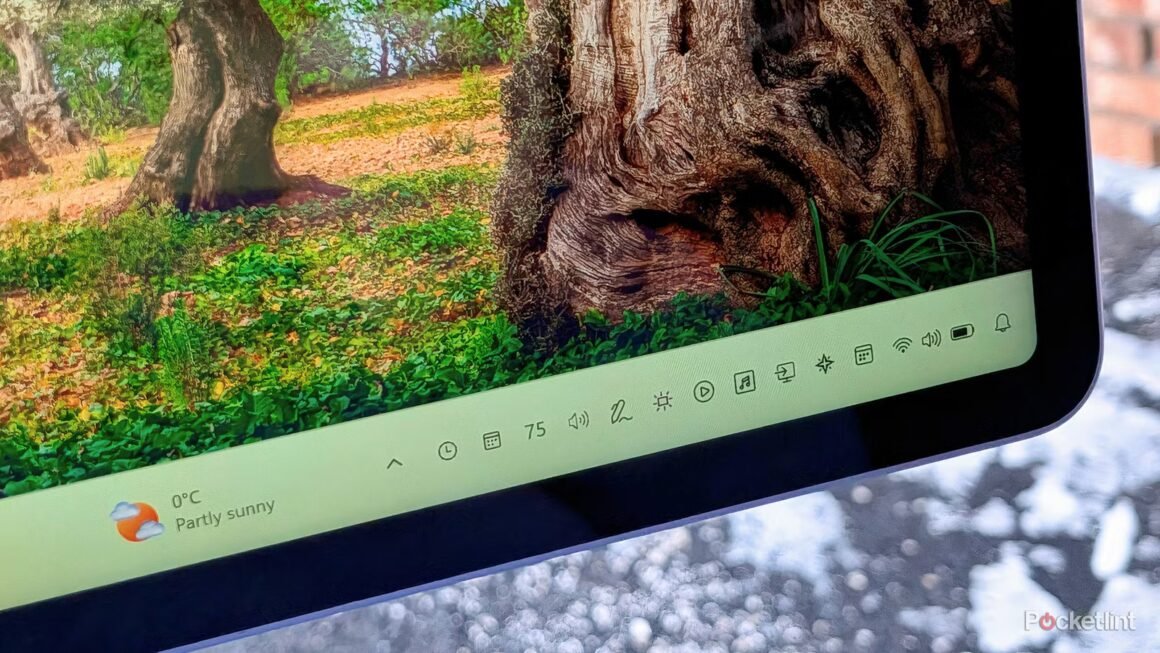

The latest wave of system tray flyout applications for Windows 11 enhances user experience with streamlined access to various functionalities. Notable apps like Fluent Flyouts and Battery Flyout are designed to offer better usability, merging modern design aesthetics with practical features, ensuring that users can customize their system tray according to their needs.
This development matters to anyone looking to optimize their Windows 11 setup. If you’re frustrated with the limited options offered by the default system settings, these third-party applications could provide the additional functionality you need. For instance, Battery Flyout effortlessly displays essential battery information and power profiles, while Fluent Flyouts offers a refreshing alternative to the built-in quick settings—ideal for both casual users and those who spend extensive hours in front of their screens.
In terms of market positioning, applications like Fluent Flyouts and Battery Flyout are often free or available for a nominal fee (usually under $10), making them affordable options against a backdrop of proprietary software that often charges steep prices for similar functionalities. Competing alternatives include built-in solutions from Microsoft and other popular apps, but these lack the tailored features that these flyouts provide. For instance, if you’re looking for seamless volume control, you might consider EarTrumpet, a free app that allows you to manage audio levels across different applications efficiently.
Ultimately, these flyout applications are beneficial for users wanting a more personalized Windows experience. However, if your needs are basic and you’re content with the default options, or if you’re primarily focused on advanced graphics or gaming capabilities, you might prefer to stick with Microsoft’s built-in tools or explore more specialized software that caters to high-performance tasks. Consider your individual usage patterns before diving into any third-party solutions.
Source:
www.pocket-lint.com