
Black Friday 2026 Monitor Deals for Gaming and Work
By the TechDeals editors · updated November 20, 2026 · how we pick deals
By the numbers
- live deals
- 43
- live deals
- brands
- 10
- brands
- average discount
- 29%
- average discount
- biggest discount
- 56%
- biggest discount
TechDeals is tracking 43 live deals on monitors from 10 brands, with an average discount of 29% and a biggest cut of 56% (5 from brands' own stores). Prices last checked Nov 20, 8:00 PM UTC.
Black Friday is a good time to upgrade your screen, and this list covers both play and work. We picked six live monitor deals that suit different desks, from fast esports panels to a travel-friendly second screen. Details below come from the listings, not our own testing.
Our picks at a glance
| Pick | Product | Best for | Why we like it |
|---|---|---|---|
| Best overall | LG UltraGear 27G610A-B | Most gamers | 27-inch QHD IPS, 200Hz, full stand adjustment |
| Best premium | TCL 27P2A Pro | HDR and speed fans | Mini LED, 320Hz, 180 dimming zones |
| Best big screen | LG UltraGear 32G600A-B | Immersive gaming and multitasking | 32-inch curved QHD at 180Hz |
| Best for esports | ASUS TUF Gaming VG249QM5A | Competitive shooters | 240Hz, 0.3ms, G-SYNC compatible |
| Best for office | MSI PRO MP242 E14C | Work with some gaming | USB-C single-cable setup, 144Hz |
| Best for travel | ASUS ZenScreen MB16AHV | Laptop users on the move | 907 g, USB-C power and video |
Best overall: LG UltraGear 27G610A-B
Key specs: 27-inch QHD IPS · 200Hz with 1ms (GtG) · VESA DisplayHDR 400
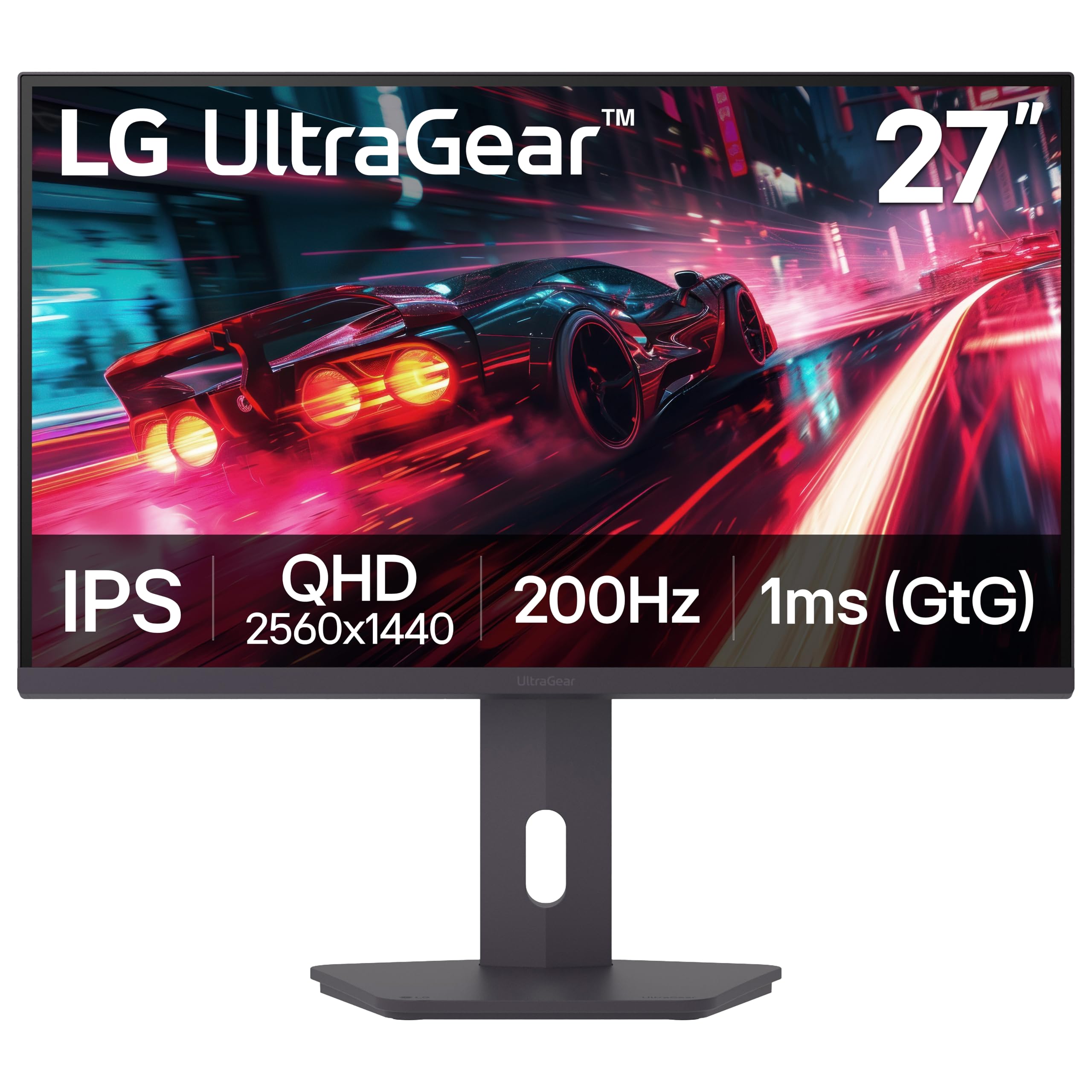
This is the most balanced screen in the group. QHD on a 27-inch panel gives you sharper text and more desktop space than Full HD, and 200Hz keeps fast games smooth. AMD FreeSync Premium helps prevent tearing, and the listing says it works with PC and next-gen consoles. Buyers rate it 4.5 stars across 238 reviews.
The stand adjusts for height, tilt, swivel and pivot, so it fits a work desk as easily as a gaming setup. The trade-off is HDR: it carries DisplayHDR 400, a step below the HDR600 rating on the TCL models. The listing also says the LG Switch app needs a software install from LG.com Support.
Best premium: TCL 27P2A Pro
Key specs: 27-inch QHD · 320Hz · 800 nits peak brightness with 180 dimming zones

On paper, this is the most advanced panel here. A Mini LED backlight with 180 local dimming zones, HDR600 and 800 nits of peak brightness suits games and films with bright highlights next to dark scenes. The 320Hz refresh rate is the highest on this list, and the listing also cites 95 percent DCI-P3-class wide color.
The catch is thin information. There are no buyer ratings yet, and the product data doesn't list ports or stand adjustments, so check those before you buy. The response time is also given two ways: 0.3ms MPRT-Plus in the title and 1ms GTG in the description.
Best big screen: LG UltraGear 32G600A-B
Key specs: 32-inch QHD curved (1000R) · 180Hz with 1ms (GtG) · HDR10
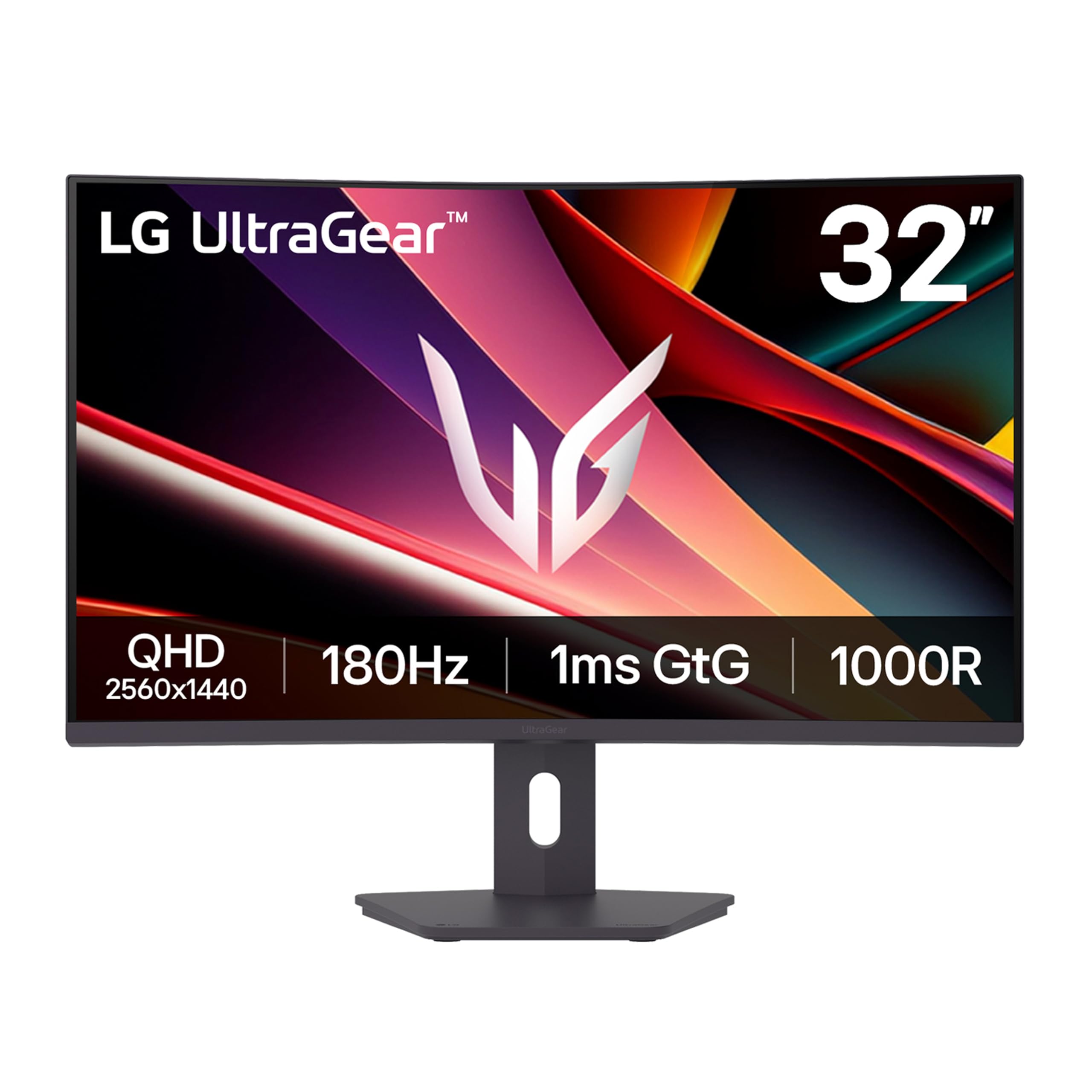
If you want more screen, this 32-inch curved QHD panel is the pick. The 1000R curve fills more of your field of view, and the extra space helps when you keep a game, a chat and a browser open together. Buyers give it 4.6 stars across 167 reviews, the highest rating in this guide.
It is a big monitor. The listed weight is 6713 g, so check your desk depth first. The stand tilts, swivels and adjusts for height but doesn't pivot, and the sync tech is standard AMD FreeSync rather than the Premium tier on the smaller LG.
Best for esports: ASUS TUF Gaming VG249QM5A
Key specs: 23.8-inch Full HD Fast IPS · 240Hz with 0.3ms (min) · FreeSync Premium and G-SYNC compatible
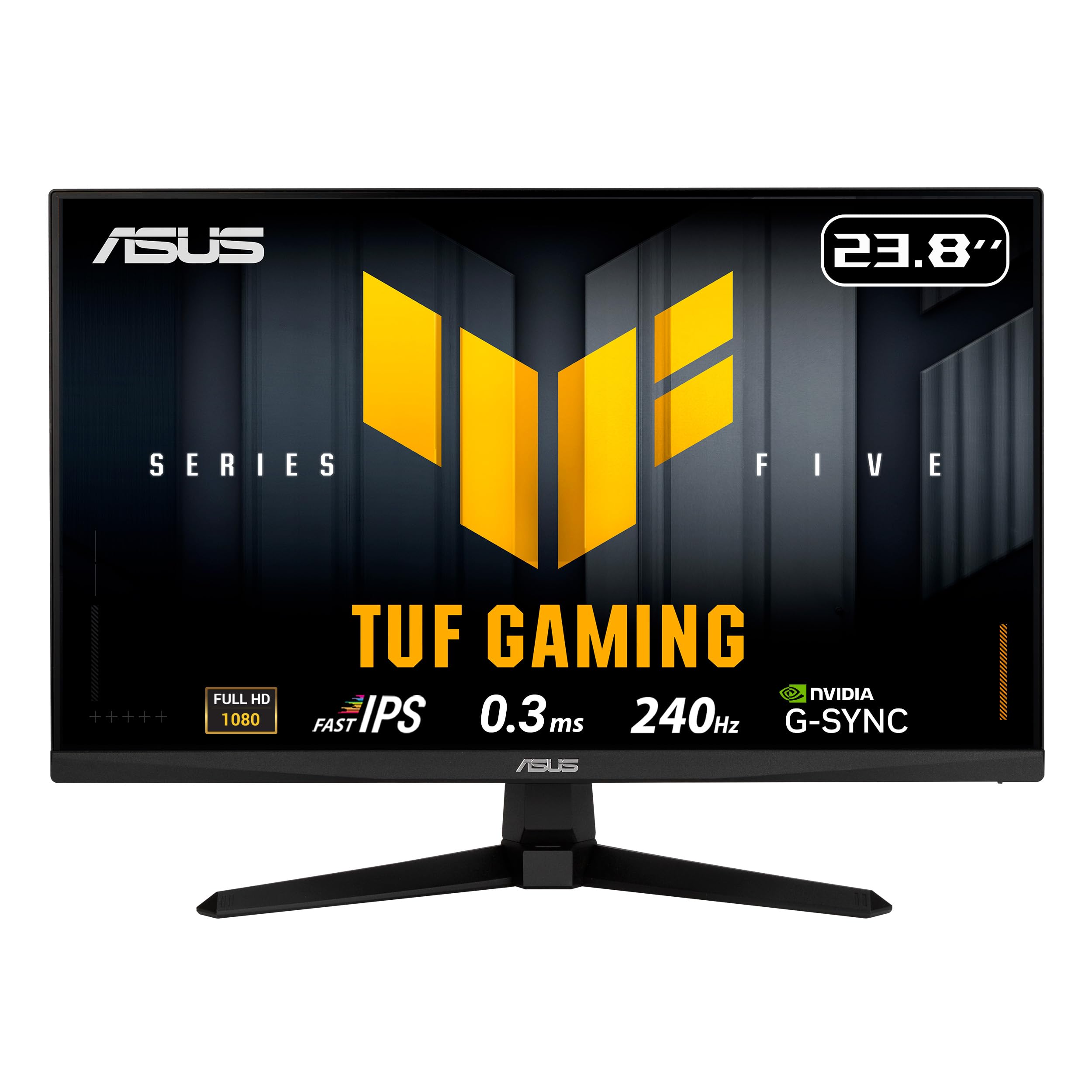
Competitive players often prefer speed over resolution, and this monitor is built that way. At Full HD, a graphics card has fewer pixels to push, which makes high frame rates easier to reach. ELMB SYNC motion blur reduction works alongside variable refresh rate, and the screen works with both AMD and NVIDIA adaptive sync. Buyers rate it 4.5 stars across 118 reviews.
The trade-off is sharpness. Full HD on a 23.8-inch panel looks less detailed than the QHD screens above, so it's better for games than for spreadsheets. On the plus side, the listing mentions a 3-year manufacturer warranty.
Best for office: MSI PRO MP242 E14C
Key specs: 24-inch Full HD IPS · 144Hz with 1ms · USB-C with 15W Power Delivery

This one is for people who work all day and game after hours. The USB-C port carries video and 15W of power over a single cable, which keeps a laptop desk tidy. TÜV Rheinland certifies it as Flicker Free and Low Blue Light, which matters over long sessions, and it has built-in speakers and a 100×100mm VESA mount for monitor arms.
The stand only tilts, so a monitor arm is worth considering. Buyers give it 4.2 stars, but across only 42 reviews, so the rating rests on a small sample. And 15W is enough to top up a small device, not to run a power-hungry laptop.
Best for travel: ASUS ZenScreen MB16AHV
Key specs: 15.6-inch 1080p IPS · 907 g · dual USB-C and Mini-HDMI

A portable second screen can change how you work from a cafe or hotel desk. At 907 g and about 10mm thick, it should slip into a laptop bag, and one USB-C cable carries both power and video. A fold-out kickstand and tripod socket give you a few ways to position it, and the anti-glare surface helps in bright rooms. Buyers rate it 4.5 stars across 229 reviews, and it comes with a 3-year warranty.
The trade-off is that this is a work screen. The listing gives no refresh rate or gaming features, so don't buy it as a gaming display. The 15W power delivery is also modest, so your laptop will likely still need its own charger.
More monitor deals
Want to compare more screens before you decide? These are the other monitor deals live right now.
 −55%Brand store
TCL 27G64 QD-Mini LED Monitor
Now at TCL
 −54%Brand store
TCL 32G64 QD-Mini LED Monitor
Now at TCL
 −50%Brand store
TCL 27" P3A Series QD-Mini LED QHD 260Hz HDR Gaming Monitor – 27P3A
27-inch QHD gaming monitor with a 260Hz native refresh rate and QD-Mini LED backlight.
Now at TCL
 −28%Amazon
Acer Nitro 27in FHD 1920x1080 Curved 280Hz Gaming Monitor XZ270 Zbmiiphx
4.7(257)27-inch curved Full HD gaming monitor with up to 280Hz refresh rate and AMD FreeSync Premium support.
 −29%Amazon
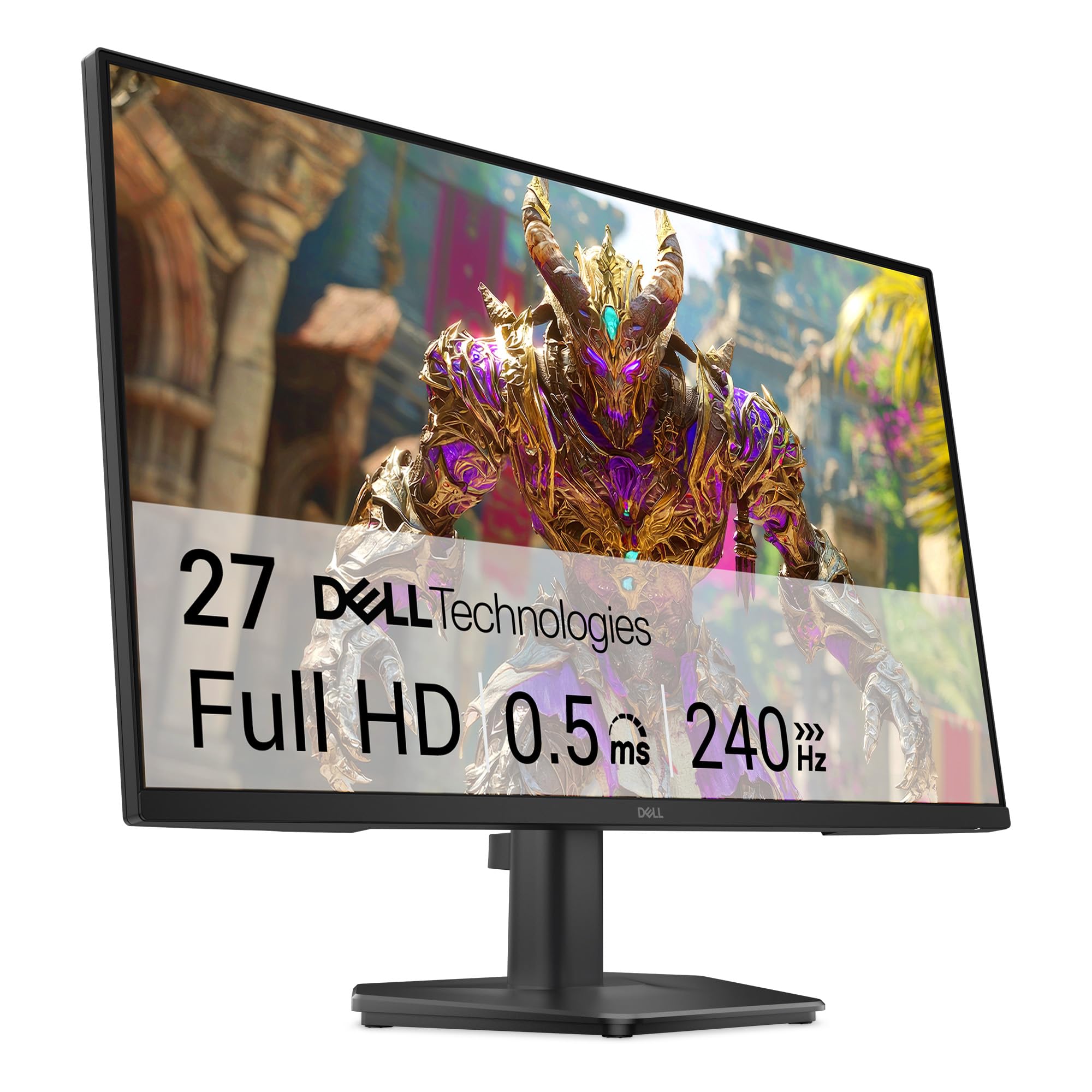
Dell 24 240Hz Gaming Monitor - SE2426HG - 23.8-inch FHD (1920x1080) 240Hz Display, in-Plane Switching (IPS) Technology, AMD FreeSync™ Premium, TÜV 3-Star, 2X HDMI, DisplayPort 1.4, Tilt
4.6(336)Dell 23.8-inch FHD gaming monitor with a 240Hz refresh rate, 0.5ms response time, and an IPS panel.
 −25%Amazon
ASUS ProArt PA278QV 27 Inch 1440p QHD Professional Monitor
4.6(3,098)27-inch 1440p IPS monitor with 100% sRGB coverage, Calman Verified Delta E < 2 accuracy and a USB hub.
FAQ
Is QHD worth it over Full HD for gaming?
QHD packs more pixels into the same screen, so text and game detail look sharper, especially on 27-inch panels and larger. It also asks more of your graphics card. If you play competitive shooters at very high frame rates, Full HD with a high refresh rate can still be the better fit.
Do I need a 240Hz or 320Hz monitor?
Only if your PC can actually produce that many frames per second. A higher refresh rate looks smoother when your frame rate keeps up, but the gap shrinks above roughly 144Hz. For many players, 144Hz to 200Hz on a sharper screen is the better trade.
What should I look for in a monitor for work?
Start with screen size, resolution and a stand that lets you set the right height. A USB-C port that carries video and power cuts cable clutter if you use a laptop. Flicker-free and low blue light certifications can help during long days, and a VESA mount gives you the option of a monitor arm.
How we picked
We only include live deals. Products are ranked by discount, buyer rating and number of reviews, and weak configurations are filtered out. We check prices several times a day, and the live prices are on the deal cards above.
Brands in this guide
Get the best deals by email
New buying guides and the best live tech deals, in one short email.
As an Amazon Associate we earn from qualifying purchases. Prices shown on deal cards are as of the time listed on each card.